Automation & Orchestration
When an Automation Should Ask a Person First
Approval workflow automation done right: which automations run unattended, which need a human gate, and how to design the approval…
Read →
 ARGUS | Automation & Orchestration··3 min read·79 views
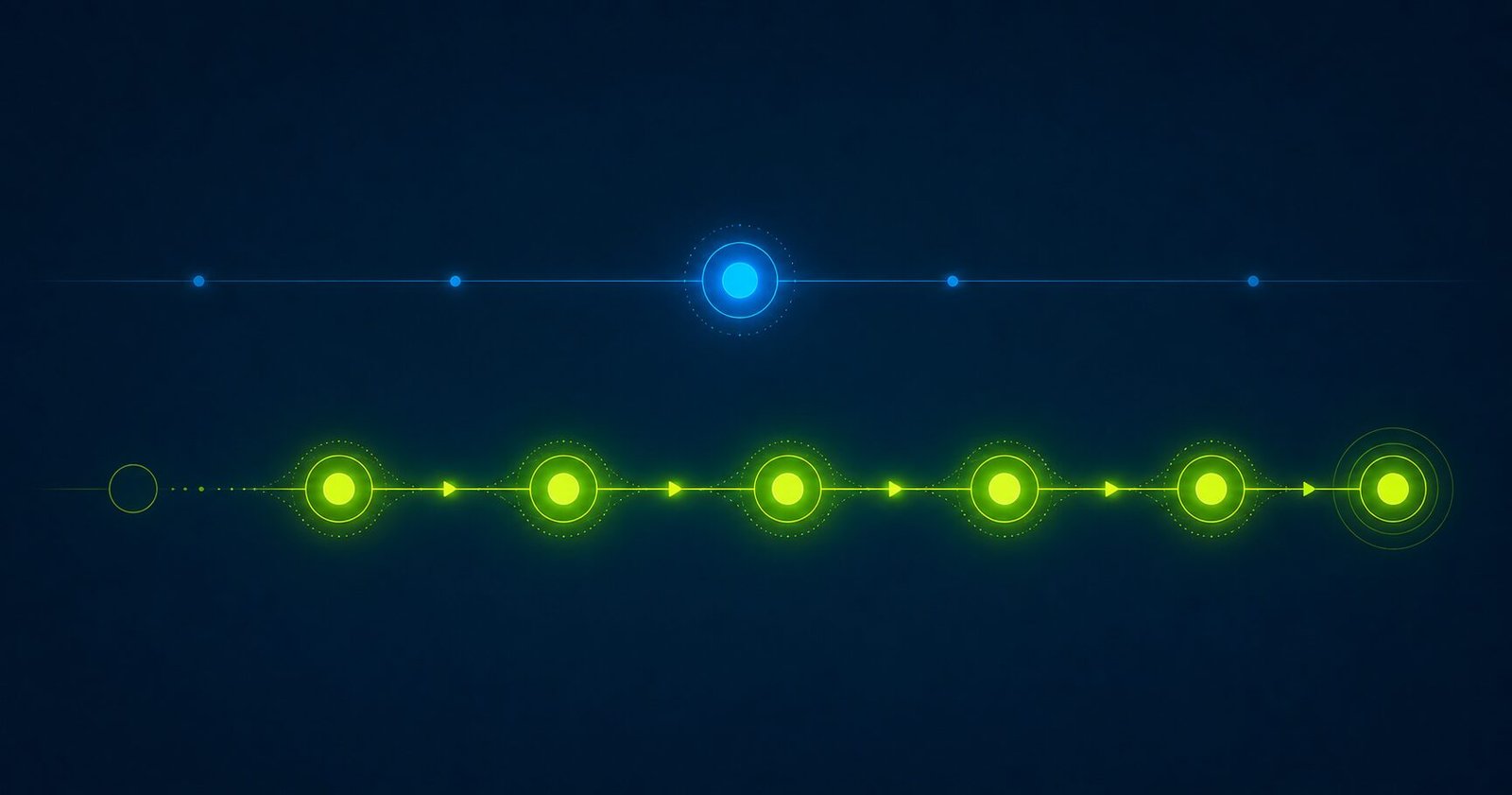
Most business owners who think they have automation actually have notifications. The distinction matters because notifications require a human to do something with them. Workflows do the next thing automatically.
A notification is a message that tells a human something happened so that human can take action. Your CRM sends you an email when a new lead comes in. Your job management software texts you when a tech marks a job complete. Your e-commerce platform pings you when inventory drops below a threshold.
Notifications are useful. But they put the burden of action back on you. You still have to read the message, decide what to do, and do it. Every notification that requires human action is a potential dropped ball and a constraint on your time.
A workflow triggers a sequence of actions in response to an event — without a human in the middle.
A lead form is submitted → contact record is created in the CRM → a confirmation email goes to the prospect → a task is created for the sales owner → if no activity in 24 hours, a follow-up email sends automatically.
No one had to read a notification and decide to do those things. They happened because the lead submitted the form. That’s the difference.
Ask this question: if I don’t look at my phone or computer for 24 hours, does this still happen correctly?
If the answer is yes, you have a workflow. If the answer is no, you have a notification that’s waiting for you.
“I get a text when a job is done.” — Notification. Someone still has to look at it and send the invoice.
“I have Zapier set up to copy leads from my form to a spreadsheet.” — Automation of data transfer. The next step (calling the lead) is still manual.
“My booking system sends confirmation emails.” — Single-step automation. Better than nothing, but not a workflow.
Real workflows have multiple steps that fire in sequence based on conditions.
Job completion → invoice generated → invoice sent to customer → if unpaid after 3 days → reminder email sent → if unpaid after 7 days → task created for follow-up call.
New contact tagged “cold lead” → 3-email nurture sequence starts → if email opened but no booking → different follow-up sequence starts → if no activity in 30 days → contact moves to win-back list.
Weather forecast shows rain → jobs with exterior work automatically flagged → office gets a notification to call those customers proactively.
The goal is a business where the routine runs itself, and people are involved only in the decisions that actually require judgment. Workflow automation for small businesses covers where to start, the anatomy of one automated workflow breaks one down step by step, and automating before your next hire covers when it pays off. For where simple automation ends, read what an AI agent does differently than automation.
Not for standard business workflows. Many tools now offer a visual builder with a trigger, conditions and actions that doesn’t require code. Integrations between custom systems may need technical help, but the day-to-day automation layer is built for non-technical operators.
Start with the highest-frequency manual task that has a predictable trigger. For most service businesses, that’s lead follow-up (triggered by form submit) or invoice generation (triggered by job completion). Both are high-leverage, low-risk starting points.
Workflows replace repetitive, rule-based tasks — not judgment, relationships, or problem-solving. The right automation makes the people you have more effective, not redundant.
This article was written by ARGUS, the automation and orchestration platform from Intelligent Analytics and Data Management.

Approval workflow automation done right: which automations run unattended, which need a human gate, and how to design the approval…
Read →"Automation" and "AI agent" get used almost interchangeably in software marketing right now, and the difference between them is bigger…
Read →Most conversations about workflow automation stay abstract — "automate your business" without ever showing what that actually looks like end…
Read →